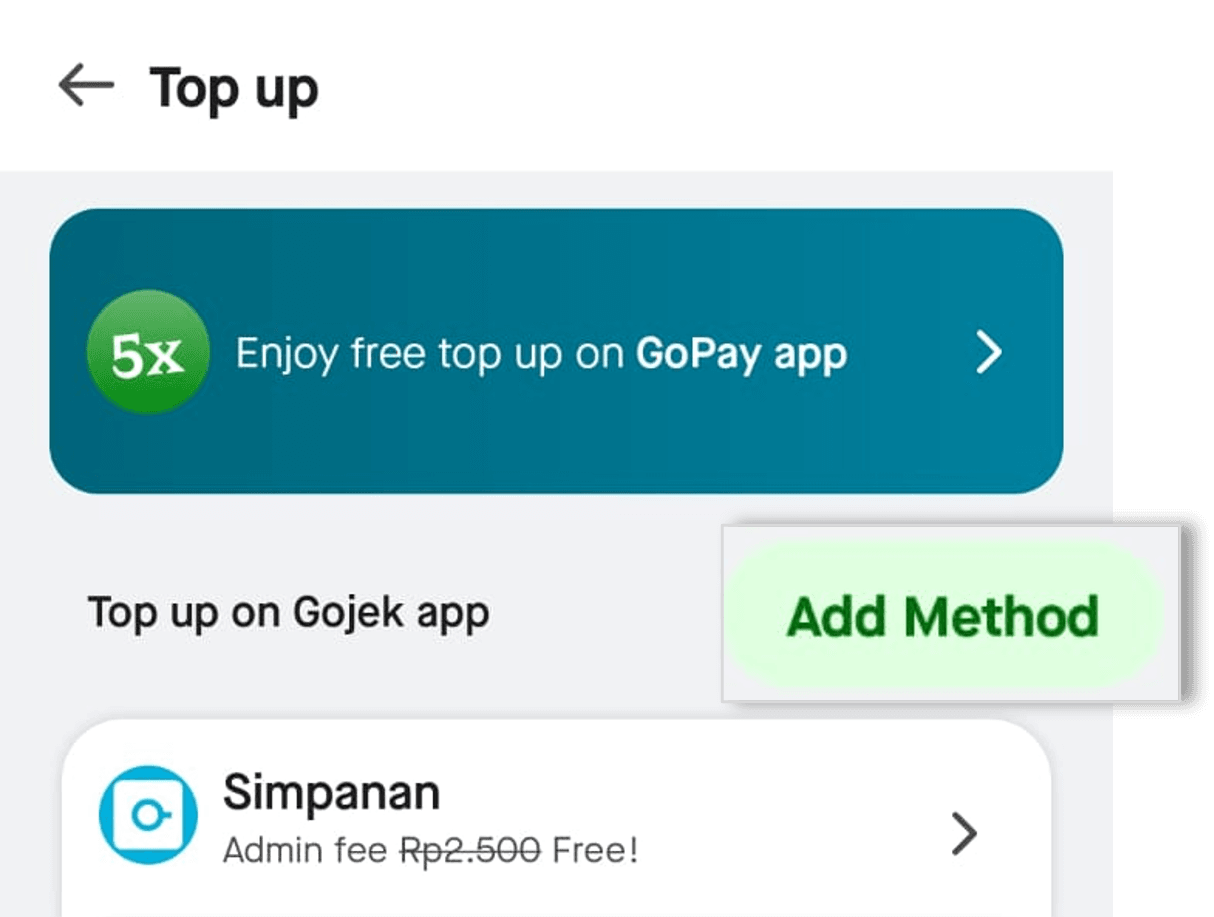
Click ‘Top up’ on the GoPay menu on the Gojek app homepage, or click 'More' then select 'Top up'
Select the bank account or debit card you have linked.If you haven't linked the bank account or debit card, click 'Add Method' to add them.
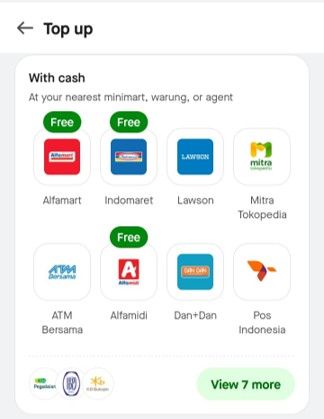
Top up with cash
Go to the 'With cash' menu on the Top up page.
Select the Minimart you want, then follow the instructions.
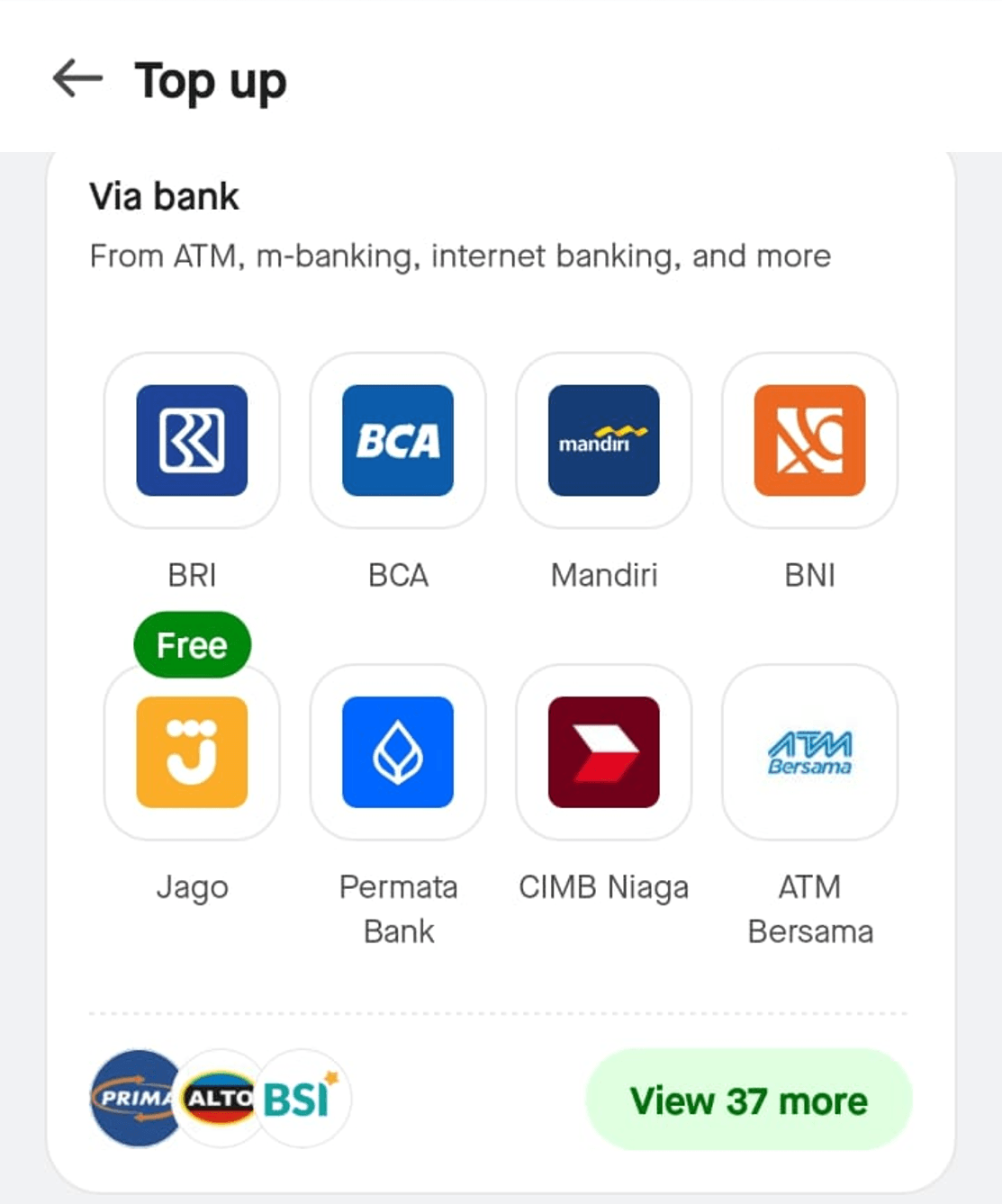
Top up via Bank
Go to the 'Via bank' menu on the Top up page.
Select bank
Select the top up method you want to use (Virtual account, mobile banking, ATM, or debit card).
Follow the instructions.
Important!
Every GoPay top-up will be sent to your destination phone number, even though the number is inactive. So, it is important to always make sure that your registered phone number is still in use and active.