Here is how to top up your GoPay balance instantly using the BCA OneKlik feature:
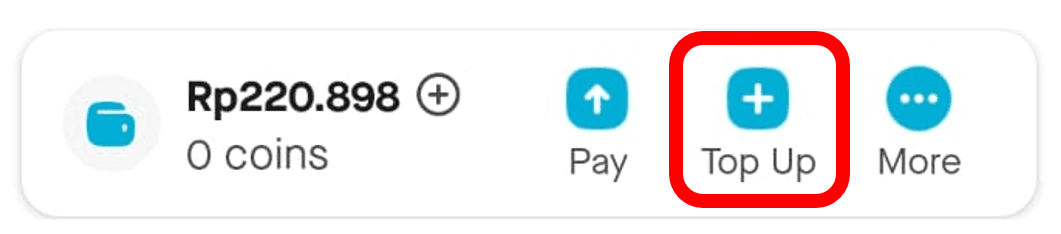
Click 'More' > ‘Top up’ on the GoPay menu on the Gojek app homepage.
Select the BCA debit card that you want to use. Click ‘Add Method’ if you haven’t registered your debit card. Read more about how to register your BCA debit card here*.
Input the top up amount that you want, then click ‘Confirm & top up.’
Enter your GoPay PIN or scan your fingerprint/face IDto complete the transaction.
Top up has been processed successfully! You can see the proof on the 'History'* page.
*)Link is only accessible when you open this page on your phone/tablet.
Notes:
The daily transaction limit for top-up balance in the Gojek app is Rp1.000.000
The daily transaction limit for top-up balance using BCA OneKlik collectively in all business partners is Rp3.000.000.