Help /
gocar /
How to use Split Bill Feature for GoCar service
Want to take a GoCar and split the fare? You absolutely can! Now you can use the Split Bill feature for GoCar services.
Here is how to use the Split Bill feature:
- Go to Transaction History in your Gojek app
- Select the GoCar transaction that has been completed
- On the transaction summary page, click "Tap here to split"
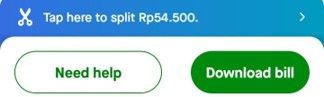
- You will be automatically redirected to the GoPay app (or to Play Store or App Store first if you haven't installed it)
- Select the contacts you want to split the bill with
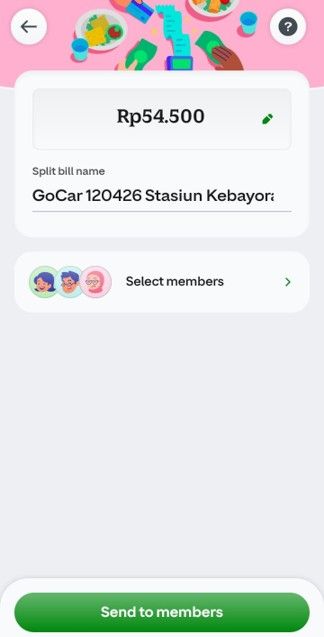
- Adjust the cost distribution; you can choose to split it equally or manually enter a specific amount for each person.
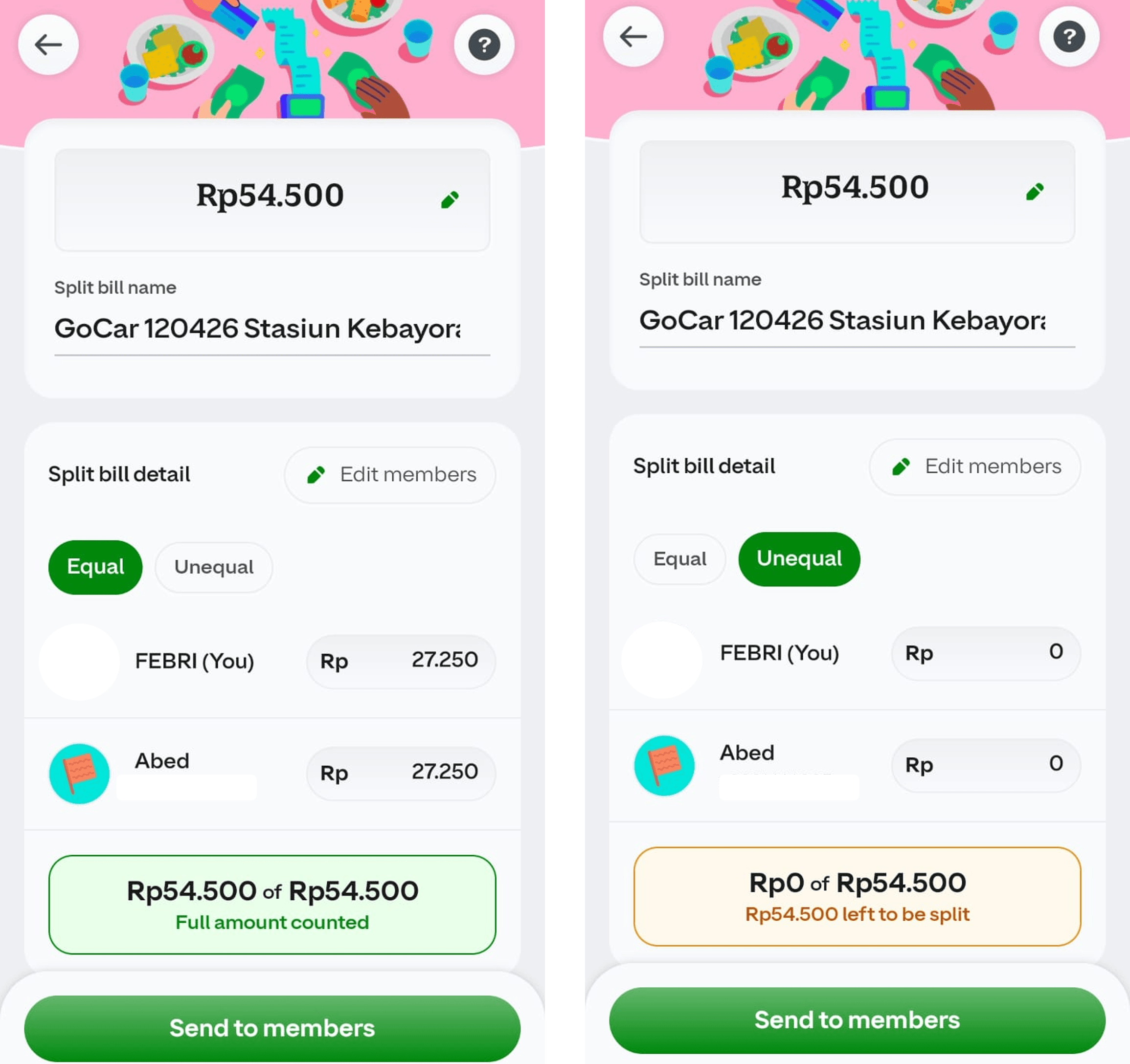
- Click “Send to members” to send the split bill request.